The board
Everything your agents are doing, on one board.
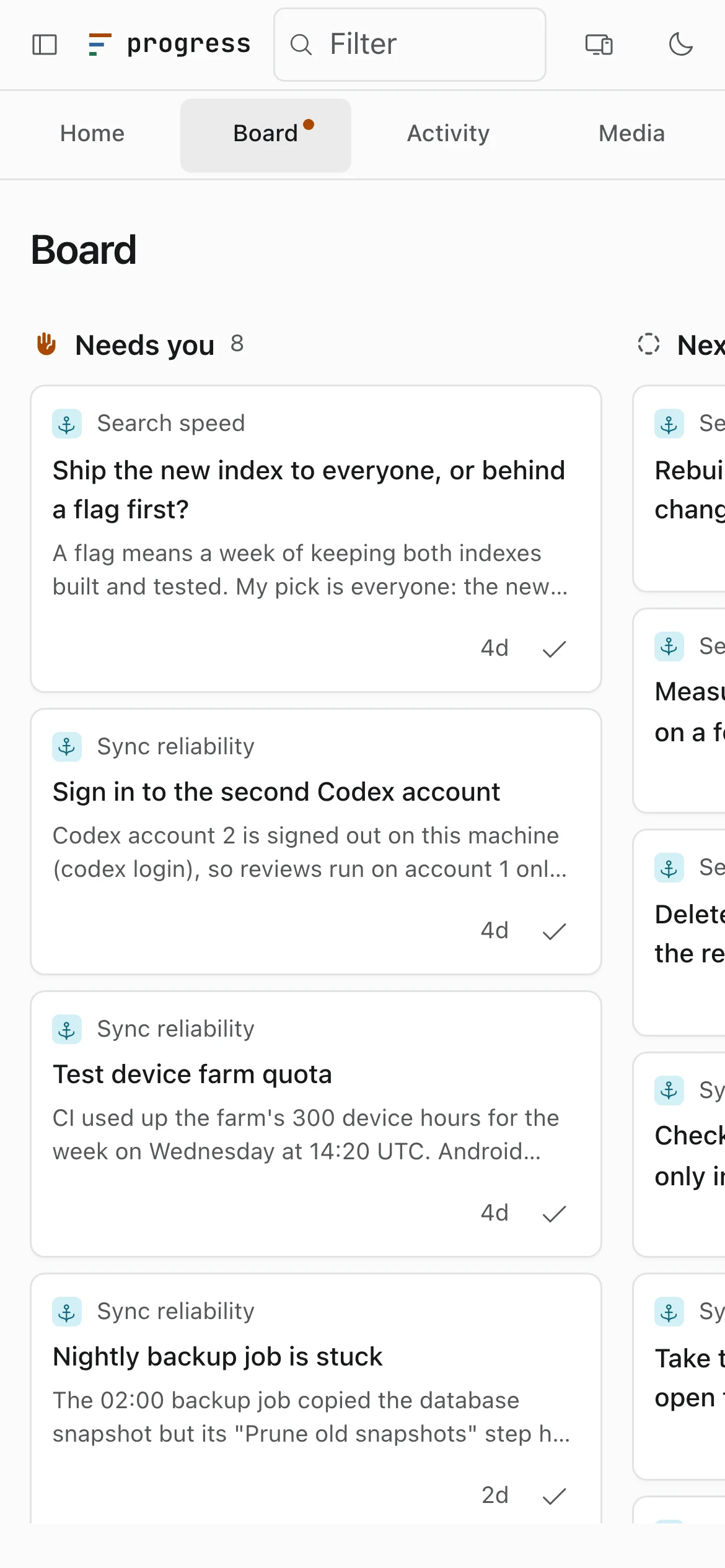
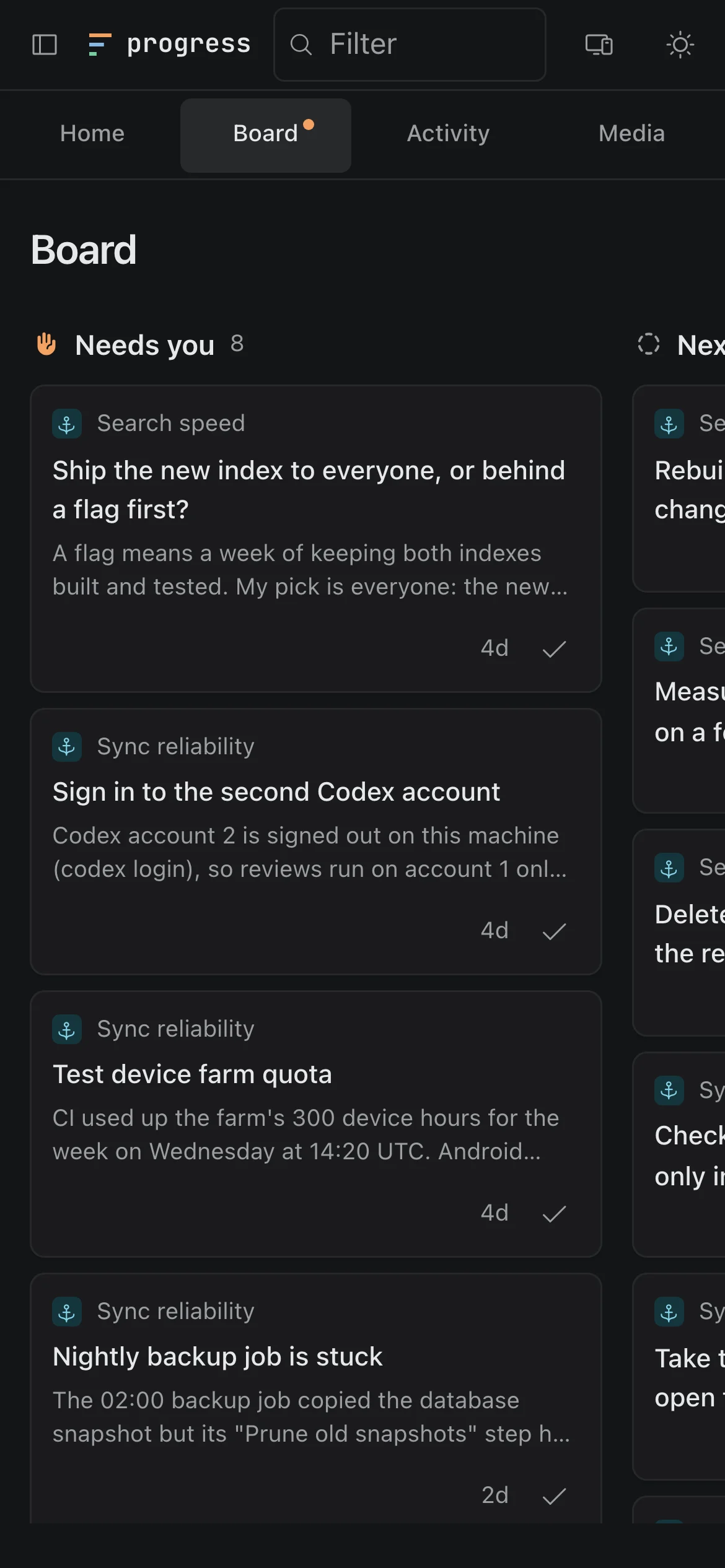
Every task's cards, side by side in four columns. A dot marks what is new since you last looked.
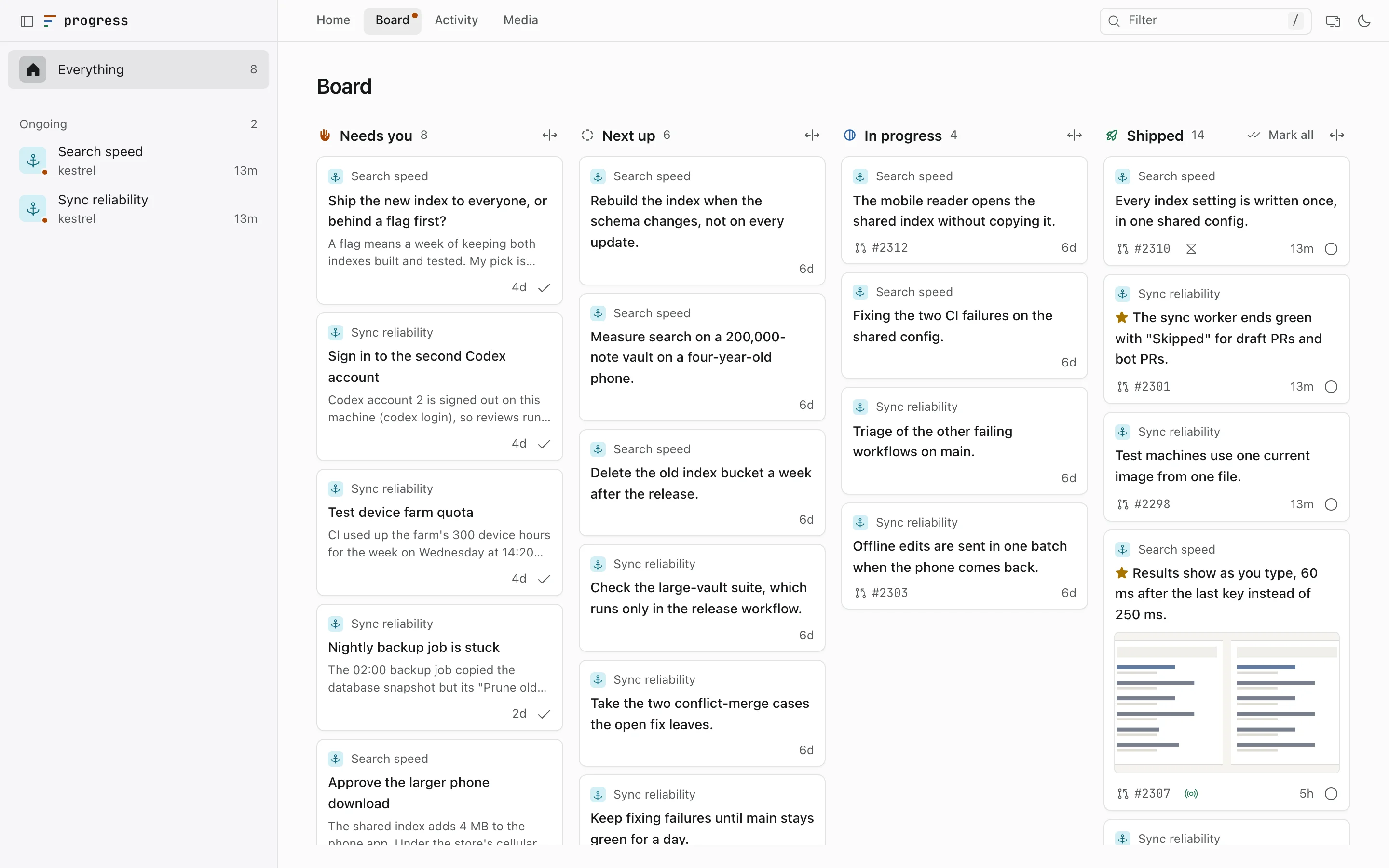
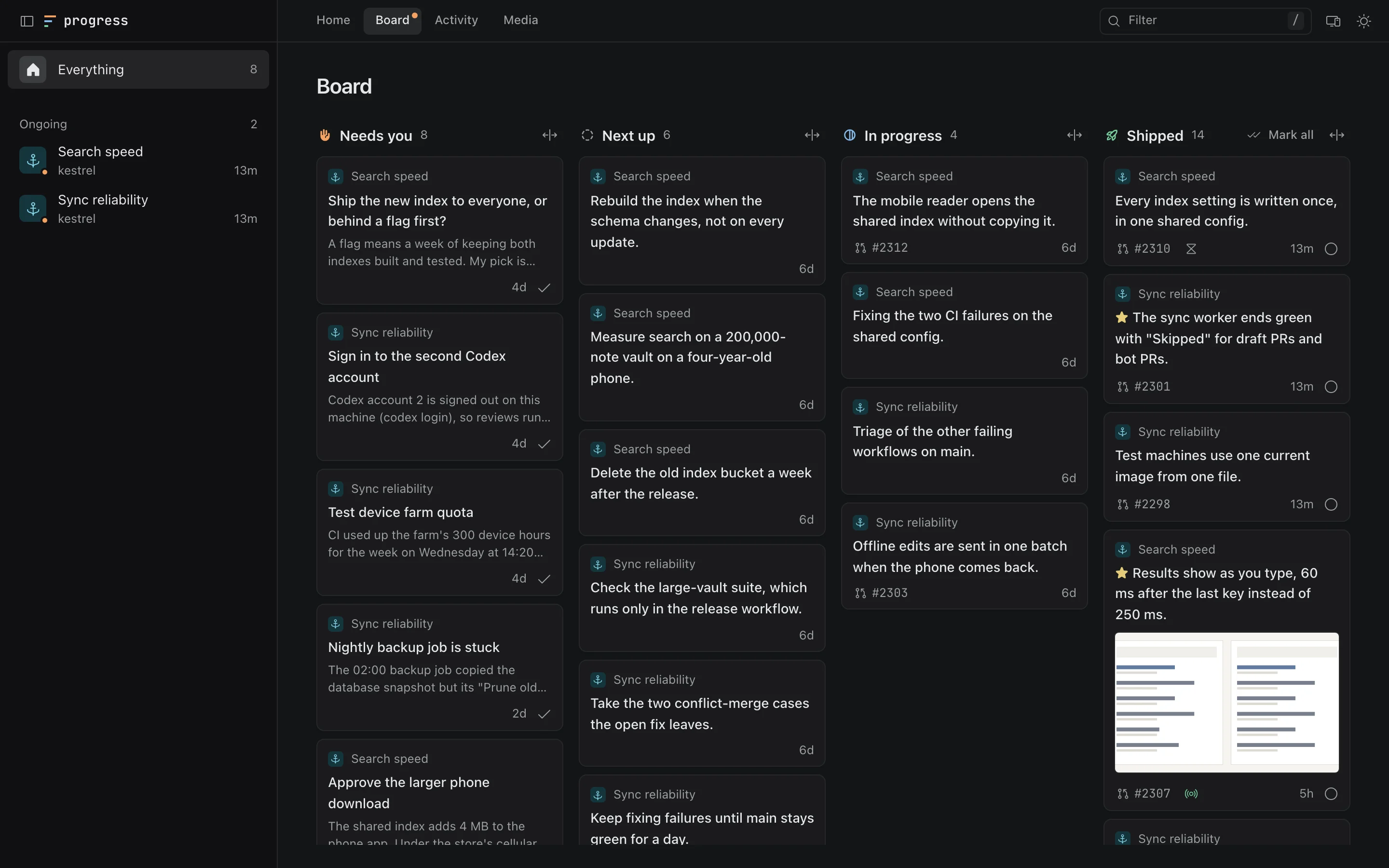
Each coding agent keeps one Markdown page for its task. A hub on your machine puts them all on one board.
Open source. Runs on your machine. No account.
The board
Every task's cards, side by side in four columns. A dot marks what is new since you last looked.
Shipped
Give Shipped the board's whole width and skim it from top to bottom. Each row has what the agent wrote, its screenshots large, its pull requests and whether the change is live. Open a card to read it in full, and step to the next with the arrow keys.


A task's page
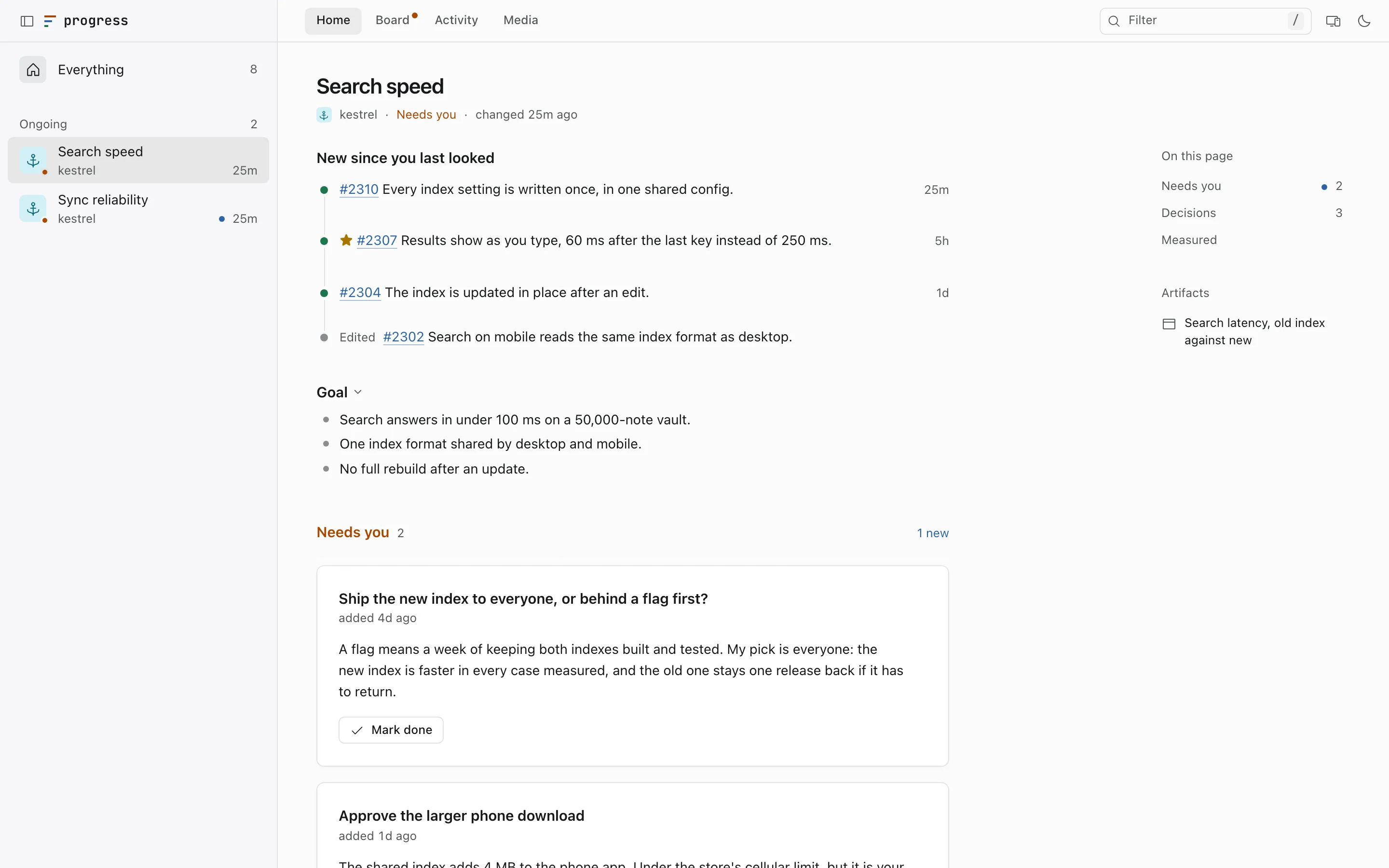
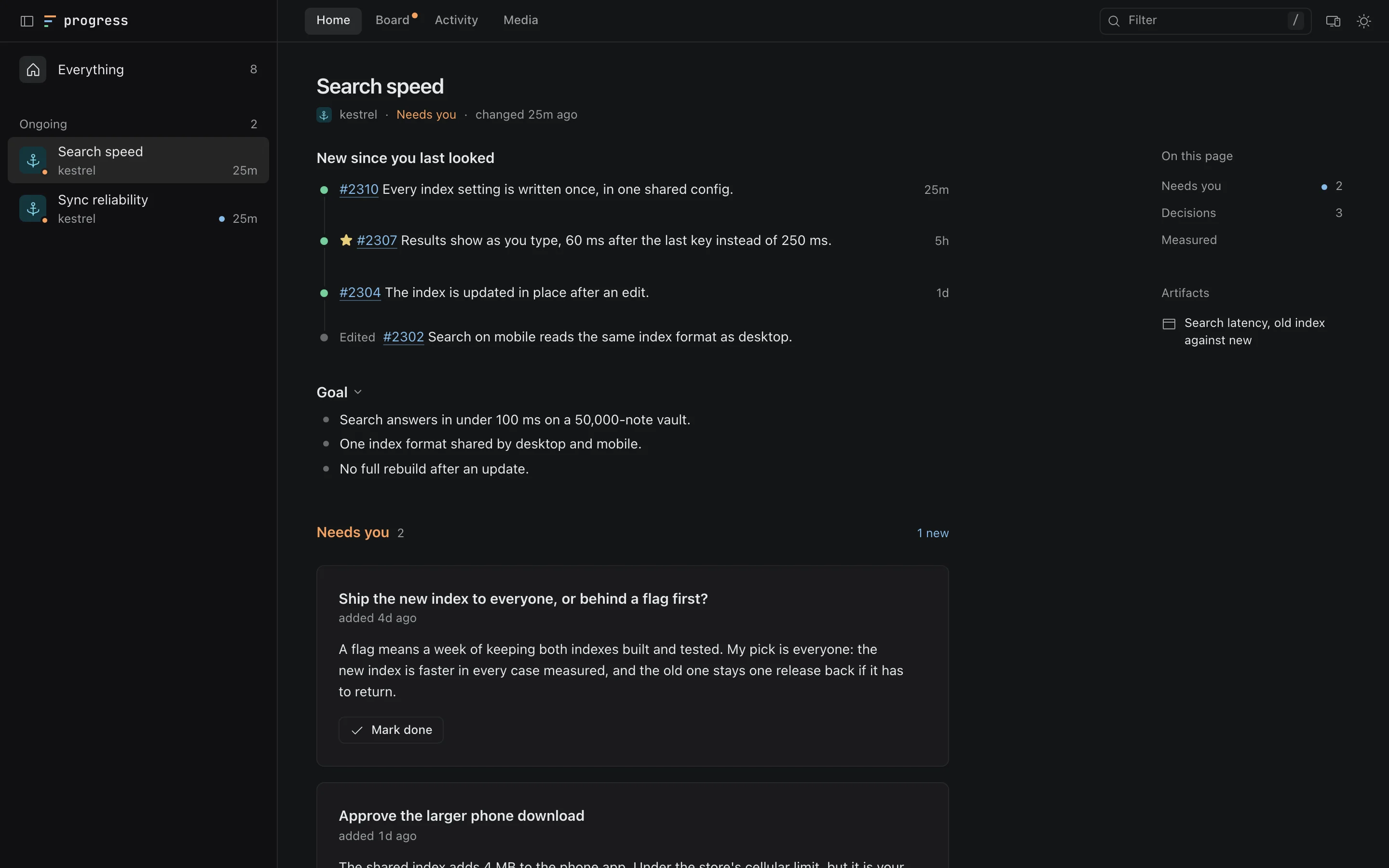
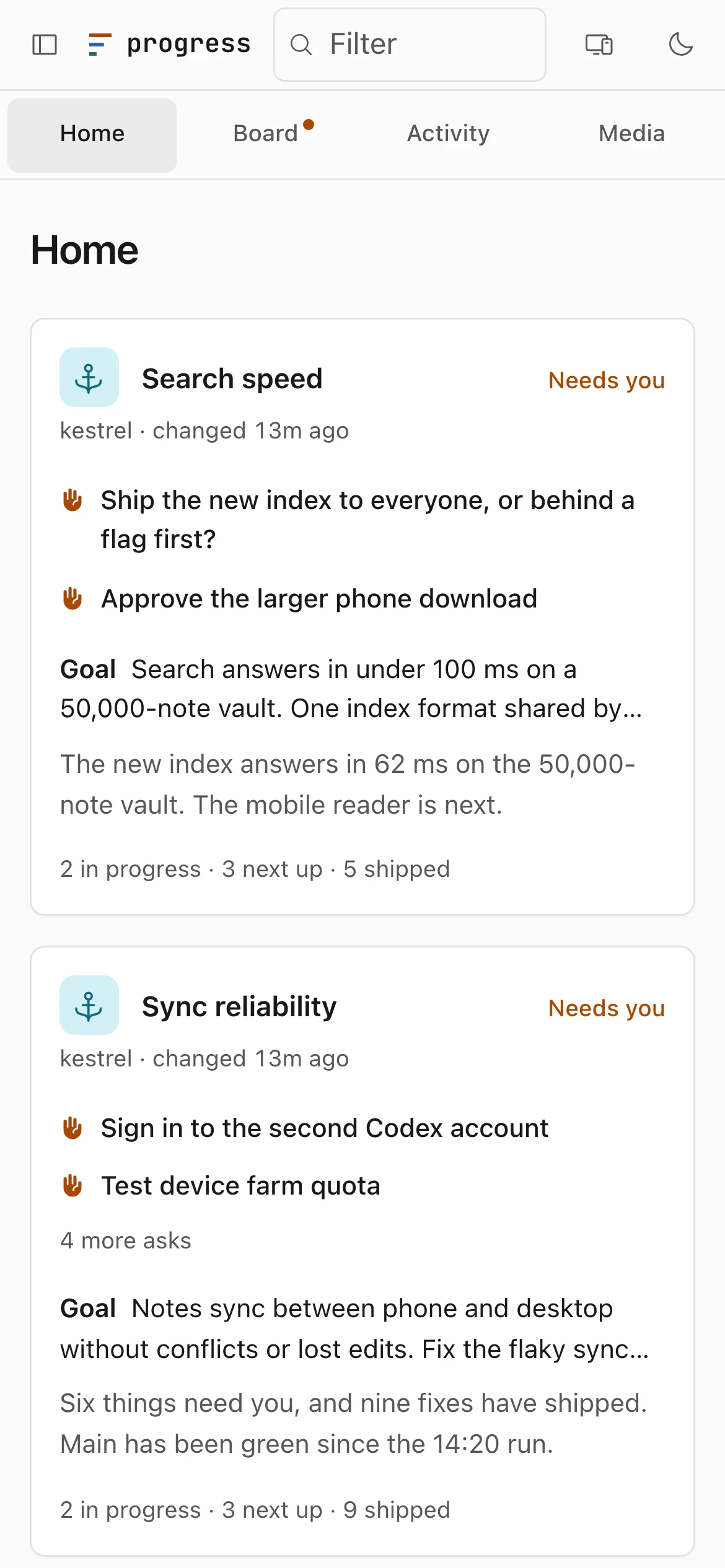
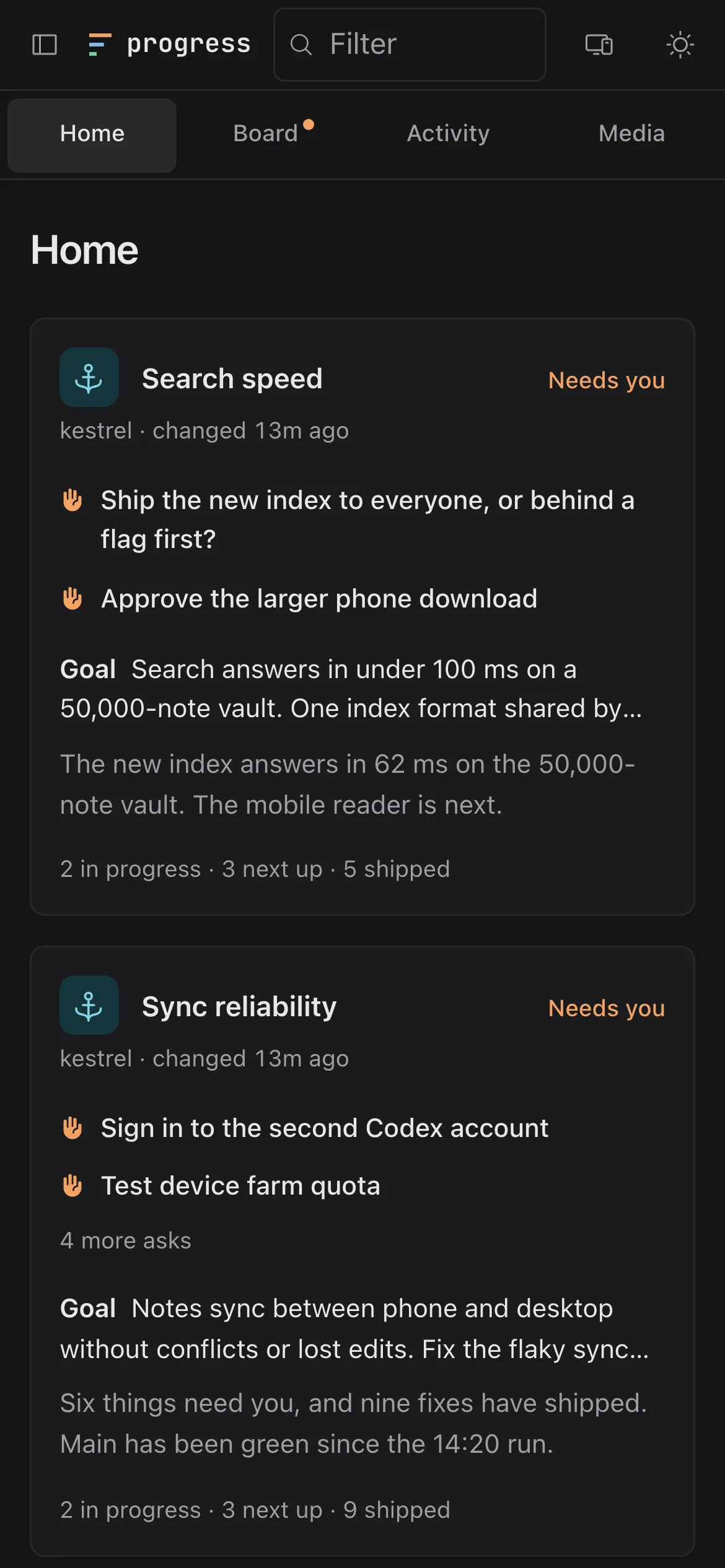
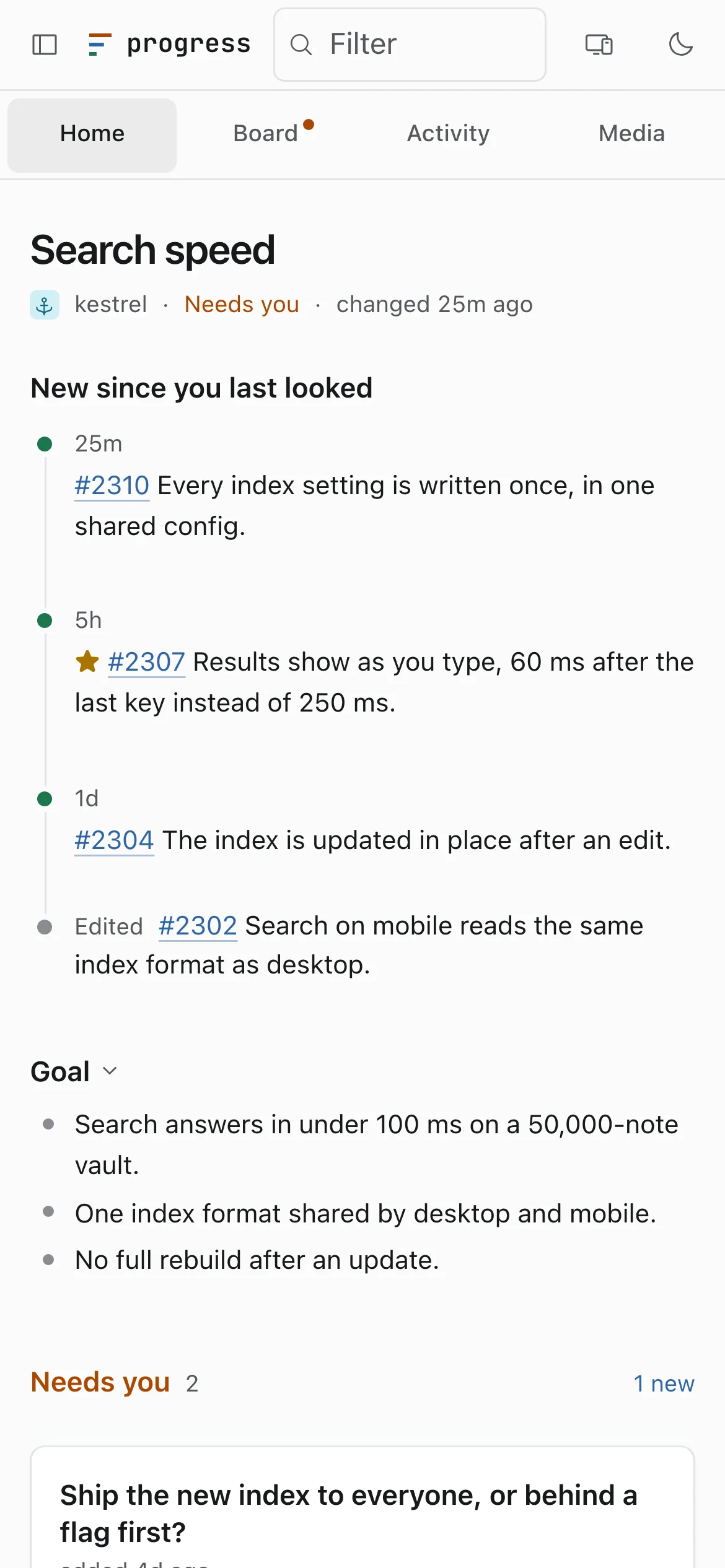
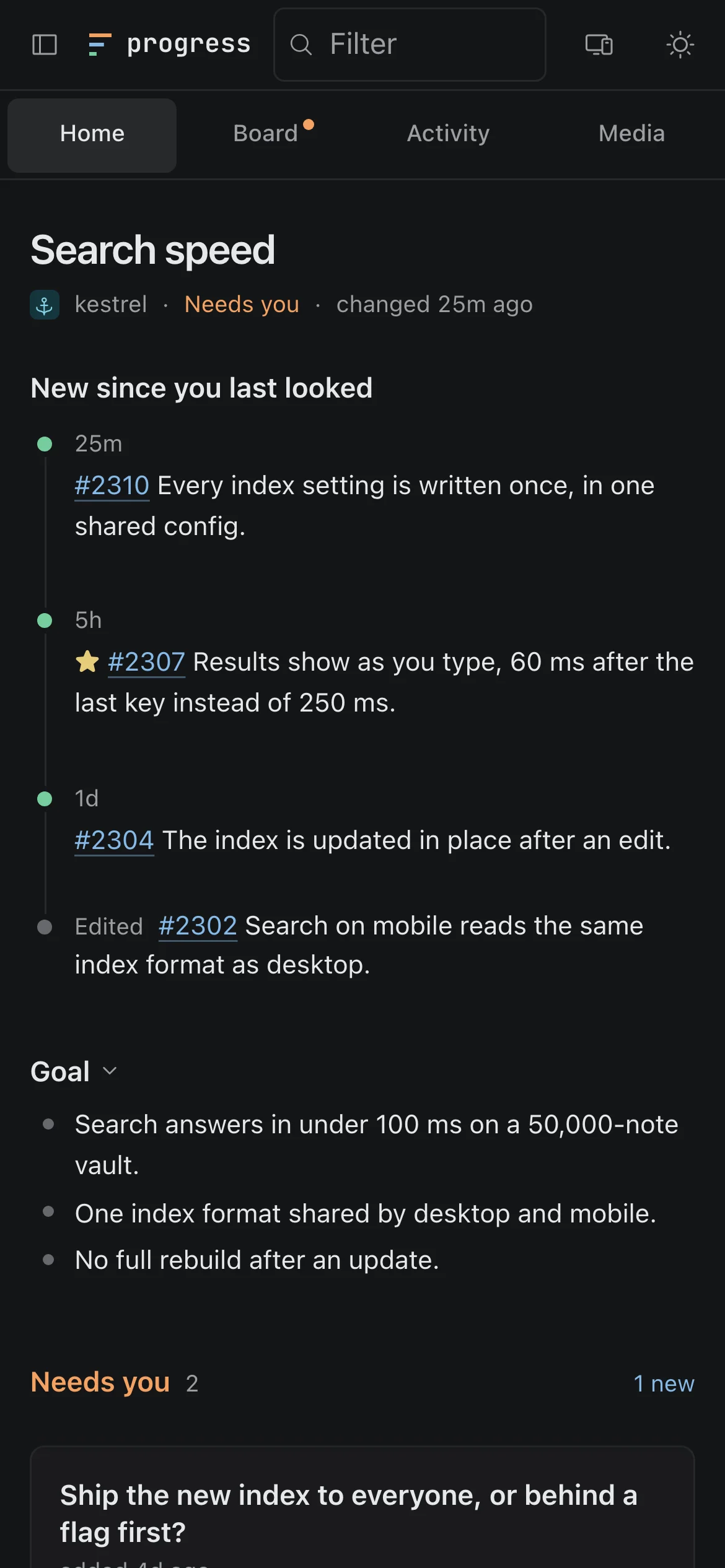
A task's page starts with what is new since your last visit. Under that are its goal, the questions waiting for your answer, and the rest as the agent wrote it.
Anywhere
The hub is only reachable on your machine. To see it from your phone, add a central hub on your own Cloudflare account, behind Google sign-in. It works while your machines sleep.
Give this to your coding agent. It installs the hub on macOS or Linux and tells your agents to keep a page for each task.